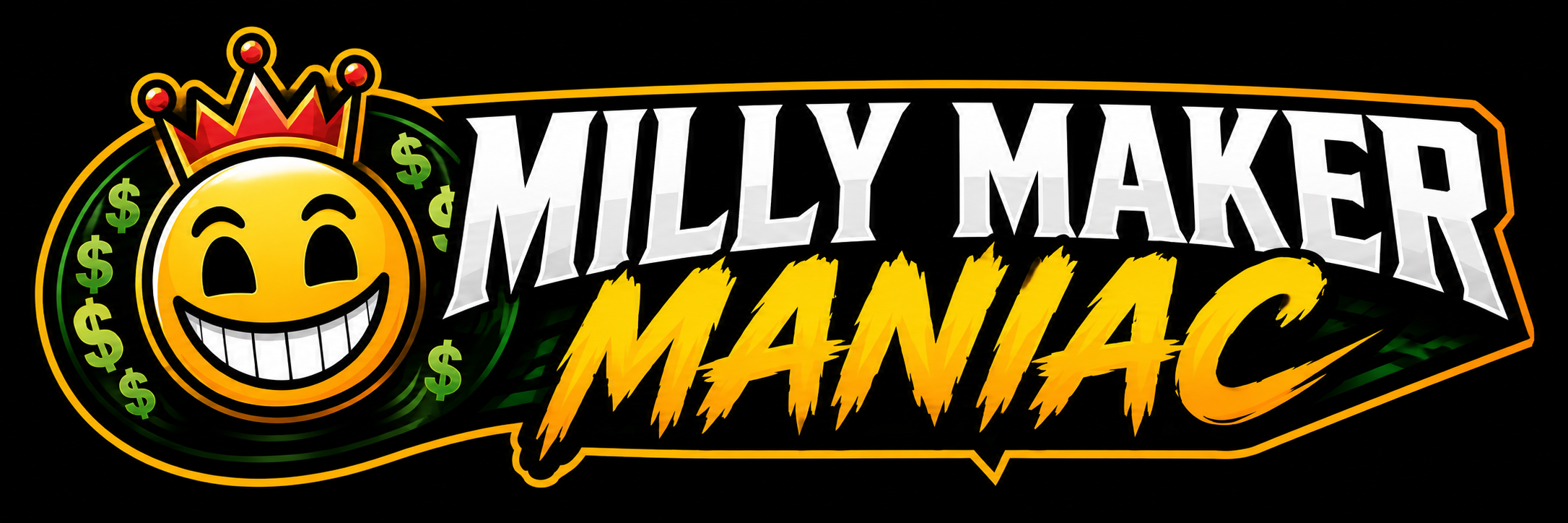
Avatar
Rep the Maniacs on every leaderboard.
Put our logo on your DraftKings profile. Every time a Maniac finishes top-1%, the icon shows up on the screens of thousands of drafters. That's how the brand spreads — by you winning.
This is exactly how it'll appear next to your name on every DraftKings leaderboard.
Grab the logo
High-res PNG with the full Maniac wordmark. Works on every DFS app, social post, OBS overlay, or anywhere you want to fly the flag. Free for everyone — no account required.

Set it on DraftKings
- Open the DraftKings app or website and sign in.
- Tap your profile icon in the top right corner.
- Hit Edit Profile (or the settings gear, depending on platform).
- Tap your current avatar, then Upload Photo and pick the file you just downloaded.
- Crop to fill the circle, save. You're a Maniac.
Show off your setup
Members: post a screenshot of your new DK profile in the Discord. Non-members: lock in the Founding Maniac price before the first 100 spots are gone.